
 Back to Blog


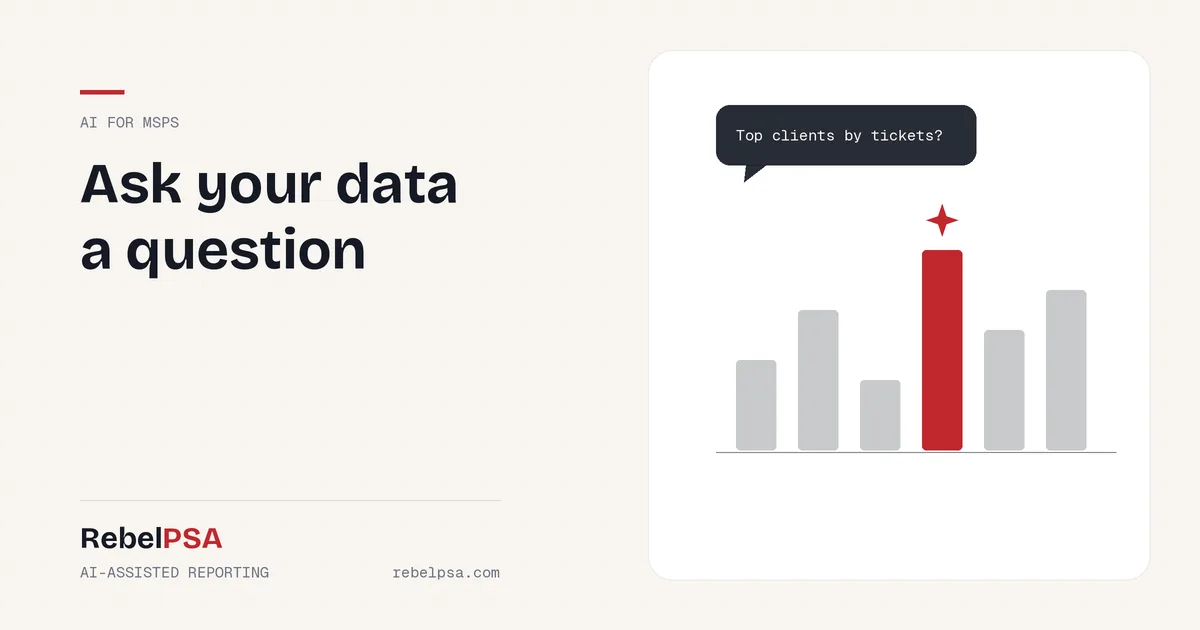
Your PSA is full of answers. Which clients open the most tickets? Are SLA misses going up? Which agreements renew next quarter? The problem is getting those answers out. Building reports often means picking tables, fields, and filters, which only a few people on the team know how to do. AI reporting for MSPs makes it as easy as asking a question.
In this post, we’ll look at how AI makes reporting easier, where it helps most, and how it works in RebelPSA’s Report Center.
Why MSP Reporting Is So Hard
- Too technical. Report builders can feel like writing code.
- One “report person.” Everyone waits on the one person who knows how.
- Data overload. A report with 500 rows doesn’t tell you what matters.
- Missed warning signs. Problems hide in the numbers until it’s too late.
How AI Makes Reporting Easier
AI can help with the three hardest parts of reporting: building the report, choosing what to include, and understanding the results.
Describe the Report in Plain Words
In RebelPSA’s Report Center, you can type what you want, like “tickets by client for the last 30 days, sorted by count.” AI turns that into a report setup you can review and run. No need to know field names or filter rules.
Get Column Suggestions
Not sure what to include? AI can suggest columns that fit the report you’re building, so you don’t forget the important ones.
Read a Quick Summary
Once a report runs, AI can write a short summary of what the results show. Instead of scanning hundreds of rows, you get the key points first.
Spot Unusual Results
AI can flag numbers that look unusual, like a sudden jump in tickets for one client. That helps you catch problems early.
What You Can Report On
RebelPSA’s Report Center covers data from across the platform, including help desk tickets and SLA performance, CRM contacts and companies, sales opportunities and leads, survey responses, omnichannel messages, and RMM devices. Reports can be scheduled and delivered automatically, so the right people get the right numbers without asking.
Reports Still Work Without AI
AI in the Report Center is optional. You can build, run, schedule, and export every report by hand. If an AI feature is turned off or unavailable, the report still works. AI just makes it faster.
Five Reports Every MSP Should Run
- Tickets by client. Find out who uses the most support.
- SLA performance. See where you’re missing response or resolution targets.
- Survey scores over time. Track whether clients are getting happier.
- Repeat issues. Find problems that keep coming back so you can fix the root cause.
- Upcoming renewals. Plan conversations before contracts end.
Frequently Asked Questions
Can I build a report just by describing it?
Yes. With AI turned on, RebelPSA’s Report Center can turn a plain-language request into a report setup you can review and run.
Can reports be sent automatically?
Yes. Reports can be scheduled and delivered on a regular basis.
Do I need AI to use the Report Center?
No. All reporting works without AI. AI features are optional helpers.
Your Data Has Answers. Ask for Them.
Good decisions come from good information. With AI-assisted reporting, everyone on your team can get answers from your data, not just the report expert.
See the RebelPSA Report Center. Visit rebelpsa.com to book a demo.



 Request a Demo