
Tag: AI

  • Ask Your Data a Question: AI Reporting for MSPs

    Ask Your Data a Question: AI Reporting for MSPs

    Your PSA is full of answers. Which clients open the most tickets? Are SLA misses going up? Which agreements renew next quarter? The problem is getting those answers out. Building reports often means picking tables, fields, and filters, which only a few people on the team know how to do. AI reporting for MSPs makes it as easy as asking a question.

    In this post, we’ll look at how AI makes reporting easier, where it helps most, and how it works in RebelPSA’s Report Center.

    Why MSP Reporting Is So Hard

    • Too technical. Report builders can feel like writing code.
    • One “report person.” Everyone waits on the one person who knows how.
    • Data overload. A report with 500 rows doesn’t tell you what matters.
    • Missed warning signs. Problems hide in the numbers until it’s too late.

    How AI Makes Reporting Easier

    AI can help with the three hardest parts of reporting: building the report, choosing what to include, and understanding the results.

    Describe the Report in Plain Words

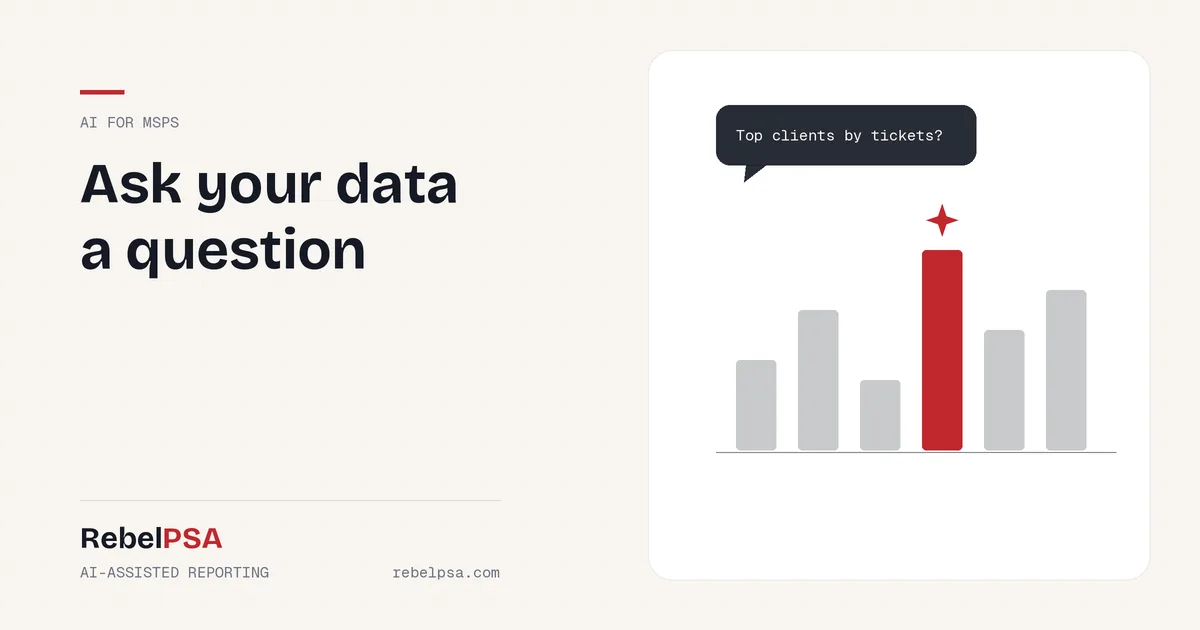
    In RebelPSA’s Report Center, you can type what you want, like “tickets by client for the last 30 days, sorted by count.” AI turns that into a report setup you can review and run. No need to know field names or filter rules.

    Get Column Suggestions

    Not sure what to include? AI can suggest columns that fit the report you’re building, so you don’t forget the important ones.

    Read a Quick Summary

    Once a report runs, AI can write a short summary of what the results show. Instead of scanning hundreds of rows, you get the key points first.

    Spot Unusual Results

    AI can flag numbers that look unusual, like a sudden jump in tickets for one client. That helps you catch problems early.

    What You Can Report On

    RebelPSA’s Report Center covers data from across the platform, including help desk tickets and SLA performance, CRM contacts and companies, sales opportunities and leads, survey responses, omnichannel messages, and RMM devices. Reports can be scheduled and delivered automatically, so the right people get the right numbers without asking.

    Reports Still Work Without AI

    AI in the Report Center is optional. You can build, run, schedule, and export every report by hand. If an AI feature is turned off or unavailable, the report still works. AI just makes it faster.

    Five Reports Every MSP Should Run

    1. Tickets by client. Find out who uses the most support.
    2. SLA performance. See where you’re missing response or resolution targets.
    3. Survey scores over time. Track whether clients are getting happier.
    4. Repeat issues. Find problems that keep coming back so you can fix the root cause.
    5. Upcoming renewals. Plan conversations before contracts end.

    Frequently Asked Questions

    Can I build a report just by describing it?

    Yes. With AI turned on, RebelPSA’s Report Center can turn a plain-language request into a report setup you can review and run.

    Can reports be sent automatically?

    Yes. Reports can be scheduled and delivered on a regular basis.

    Do I need AI to use the Report Center?

    No. All reporting works without AI. AI features are optional helpers.

    Your Data Has Answers. Ask for Them.

    Good decisions come from good information. With AI-assisted reporting, everyone on your team can get answers from your data, not just the report expert.

    See the RebelPSA Report Center. Visit rebelpsa.com to book a demo.
  • From Messy Notes to Clear SOPs: Using an AI SOP Generator at Your MSP

    From Messy Notes to Clear SOPs: Using an AI SOP Generator at Your MSP

    Every MSP has that one technician who knows how to do everything, and wrote none of it down. When they’re on vacation, the team is stuck. Writing standard operating procedures (SOPs) takes time nobody has. An AI SOP generator can change that by turning a quick, rough description into clear, step-by-step instructions in minutes.

    In this post, we’ll show how AI can help MSPs write SOPs faster, what to watch out for, and how it works inside RebelPSA’s Documentation Center.

    Why SOPs Don’t Get Written

    • No time. Tickets always feel more urgent than documentation.
    • Blank page fear. It’s hard to know where to start.
    • Writing is hard. Great techs aren’t always great writers.
    • It feels like it’ll change anyway. So why bother?

    The result is knowledge that lives in people’s heads. That’s risky. When someone leaves, the knowledge leaves with them.

    How an AI SOP Generator Helps

    Explaining a task out loud is much easier than writing a formal document. An AI SOP generator lets your technician describe the process in their own words, like they’re telling a coworker. The AI organizes it into a clean document with numbered steps.

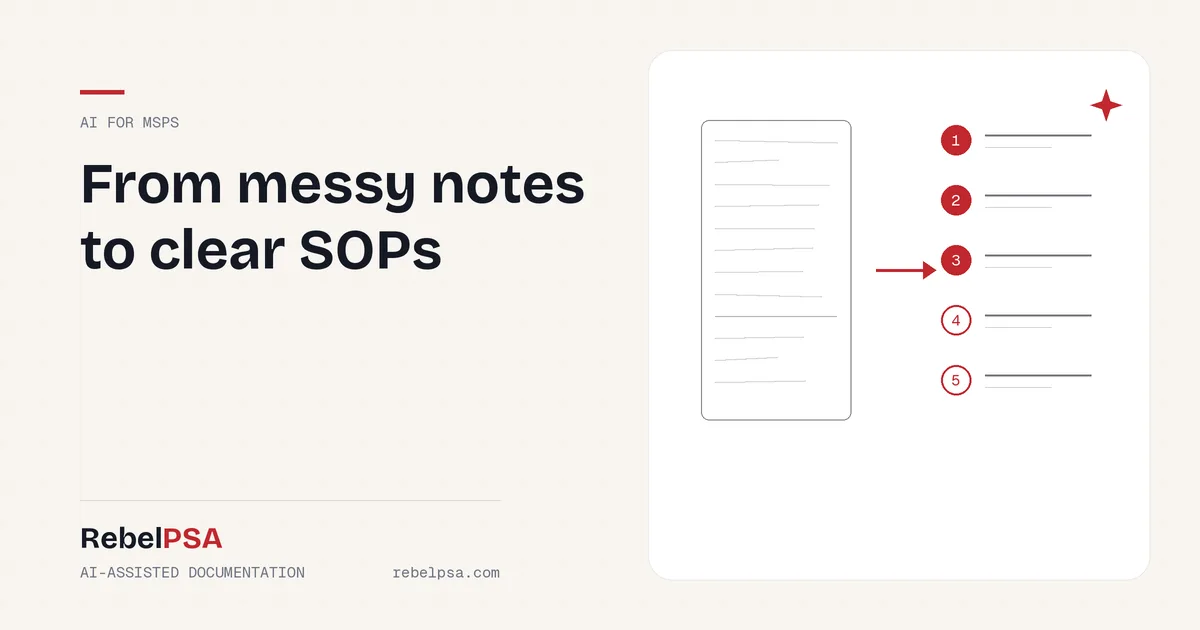
    For example, a tech might type: “To onboard a new user, make the account in 365, give them the right license, add them to the sales group, set up MFA, then send the welcome email.” The AI turns that into a tidy, numbered SOP your whole team can follow.

    AI-Assisted Documentation in RebelPSA

    Smart SOP Generation

    In RebelPSA’s Documentation Center, a technician can describe a procedure in plain text, and AI creates a structured, step-by-step document. It opens right in the built-in editor, so the tech can review and adjust it before saving.

    Outline Suggestions

    Starting a new document? AI can suggest a starter outline based on the type of document you’re writing. It shows up in a side panel you can use or close. It’s never dropped into your document without your say.

    Keeping Docs Fresh

    Old SOPs can be worse than none at all. AI can help flag documents that look out of date and spot documents that seem to cover the same thing. Your team decides what to update, merge, or archive.

    Always Review AI-Written SOPs

    AI is a great first-draft writer, but it can make mistakes. It might put steps in the wrong order or add a step that doesn’t apply. Before saving any AI-written SOP, have the person who knows the process read it line by line. Better yet, have a second person test the steps. A wrong SOP can cause real damage.

    Tips for Better AI SOPs

    1. Be specific. Name the tools, settings, and groups involved.
    2. Include the “why.” Short reasons help readers avoid mistakes.
    3. Leave out passwords. Never include passwords or secret keys in what you give the AI.
    4. Add warnings. Note any step that could cause downtime.
    5. Test it. Have someone else follow the SOP once before you trust it.

    Frequently Asked Questions

    What is an AI SOP generator?

    It’s a tool that uses AI to turn a plain description of a task into a clear, step-by-step procedure.

    Can I edit the SOP after AI writes it?

    Yes. In RebelPSA, the generated SOP opens in the editor so you can review and change anything before saving.

    Can I write SOPs without AI?

    Yes. The Documentation Center works fully without AI. AI is an optional helper.

    Get Knowledge Out of Heads and Into Docs

    Your team’s knowledge is one of your most valuable assets. With AI doing the first draft, writing SOPs goes from a dreaded chore to a quick task.

    See AI-assisted documentation in RebelPSA. Visit rebelpsa.com to book a demo.